Looking for a Hyundai Kia J2534 diagnostic tool software free download crack? Discover the GDS VCI Diagnostic Tool for Hyundai & Kia , supporting 1996-2017 models. Features, installation tips, and firmware updates explained.
GDS VCI Diagnostic Tool for Hyundai & Kia – Complete Guide (2024)
Introduction to GDS VCI Diagnostic Tool for Hyundai & Kia
The GDS VCI Diagnostic Tool is a professional-grade scanner designed for Hyundai and Kia vehicles, offering full-system diagnostics, reprogramming, and real-time data analysis. Compatible with models from 1996-2017 (Hyundai) and 1996-2014 (Kia), this tool is essential for mechanics and car enthusiasts.
Key Features:
Full Diagnostics & Reprogramming – Read/clear DTCs, ECU coding, and module programming.
US Version Support – Works on North American Hyundai & Kia models.
Flight Record Function – Captures real-time vehicle data for advanced troubleshooting.
Firmware Updatable – Keep your device current (but avoid unauthorized updates).
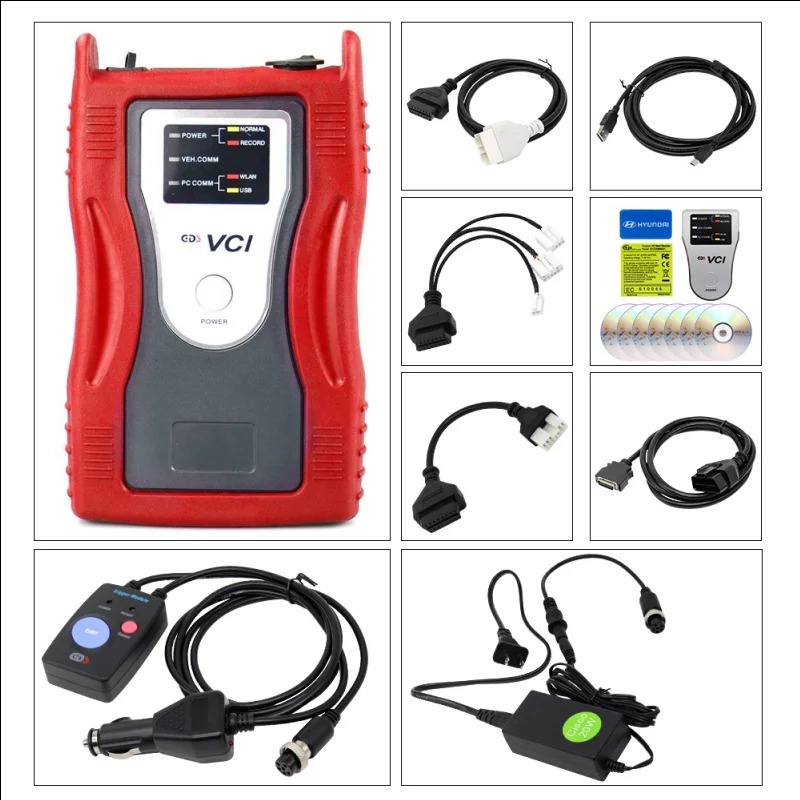
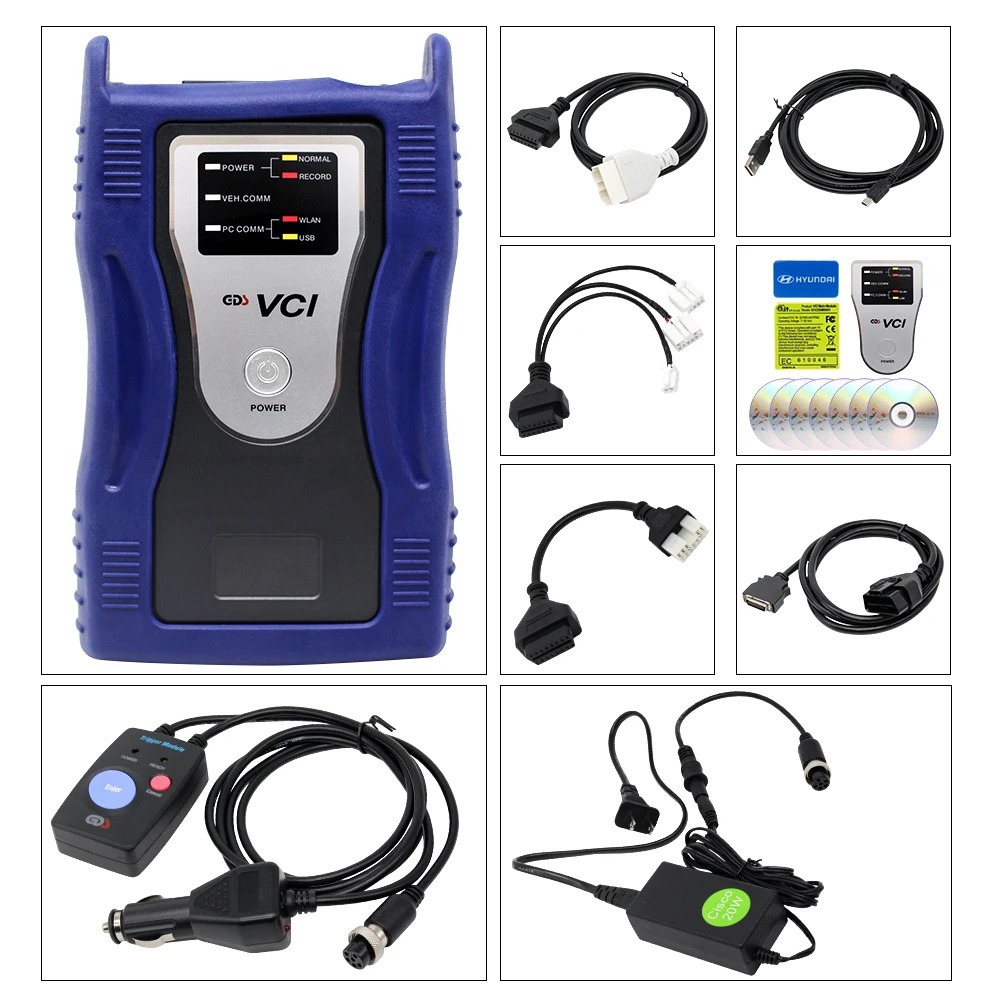
Two Color Options – Red (Kia Label) & Blue (Hyundai Label) – Same functionality.
Software & Compatibility
Included Software: Hyundai V19, Kia V12
Firmware Version: V2.24
Supported OS: Windows XP / Windows 7
Language: English Only
Important Notes:
Do NOT install Hyundai & Kia software on the same PC – Conflicts may occur.
Never update software improperly – May damage the circuit board (warranty void).
For European models? You’ll need a separate European version HDD.
Can You Get a Kia J2534 Diagnostic Tool Software Free Download Crack?
Many users search for a "
Kia J2534 diagnostic tool software free download crack", but beware:
Risks of Cracked Software: Malware, corrupted files, or device damage.
Official Solution: If your CD is broken, contact us for a legitimate download link.
How to Use GDS VCI Interface
Install Software – Use the provided CD (Hyundai Master DVD must be installed first for Kia software).
Connect to OBD-II Port – Plug into the vehicle’s 16-pin connector.
Run Diagnostics – Access live data, codes, and module programming.
Flight Record Function (Optional) – Record driving data for deeper analysis.
Why Choose GDS VCI Over Other Tools?
Complete OEM-Level Diagnostics – Like dealership tools.
Works on Older Models (1996+) – Unlike many newer scanners.
Reprogramming & Key Coding – Though advanced programming may require additional tools.
Final Thoughts
The GDS VCI Diagnostic Tool is a powerful solution for Hyundai & Kia diagnostics. While some seek a "Kia J2534 diagnostic tool software free download crack", using official software ensures safety and full functionality.
If you are looking for hyundai and kia tools, GDS VCI is your best choice!
Need Help?Contact us for software support or firmware updates! Our email is kelly@cartooldeal.com whatsapp/phone:+8613798250141