5 Reasons for Cummins INLINE 6:
- The INLINE 6 can communicate with your PC through a 9-pin serial connector. The INLINE 6 also can communicate with your PC over a Universal Serial Bus (USB) through a 4-pin standard connector. The INLINE 6 adapter connects to vehicle power, the SAE J1708/J1587 data link, and two CAN/J1939 data links via a 25-pin serial connector.
- With full compliance to the Technology and Maintenance Council's RP1210 standard, the INLINE 6 will work with the latest Cummins INSITE, PowerSpec and Calterm III software applications.
- It will also work with any other software applications that are fully compliant with the RP1210 standard (note that while some non-Cummins applications fully support RP1210, others do not, so you should test each application in question with the INLINE 6 adapter to make that determination).
- The eye-catching INLINE 6 breaks new ground by utilizing the latest electronic technology to deliver high performance and high quality at an attractive price.
- Each Cummins INLINE kit contains a data link adapter, basic cables, and the INLINE PC software driver. Load the software driver, connect all the hardware, and you are ready to start a new era in data link adapters.
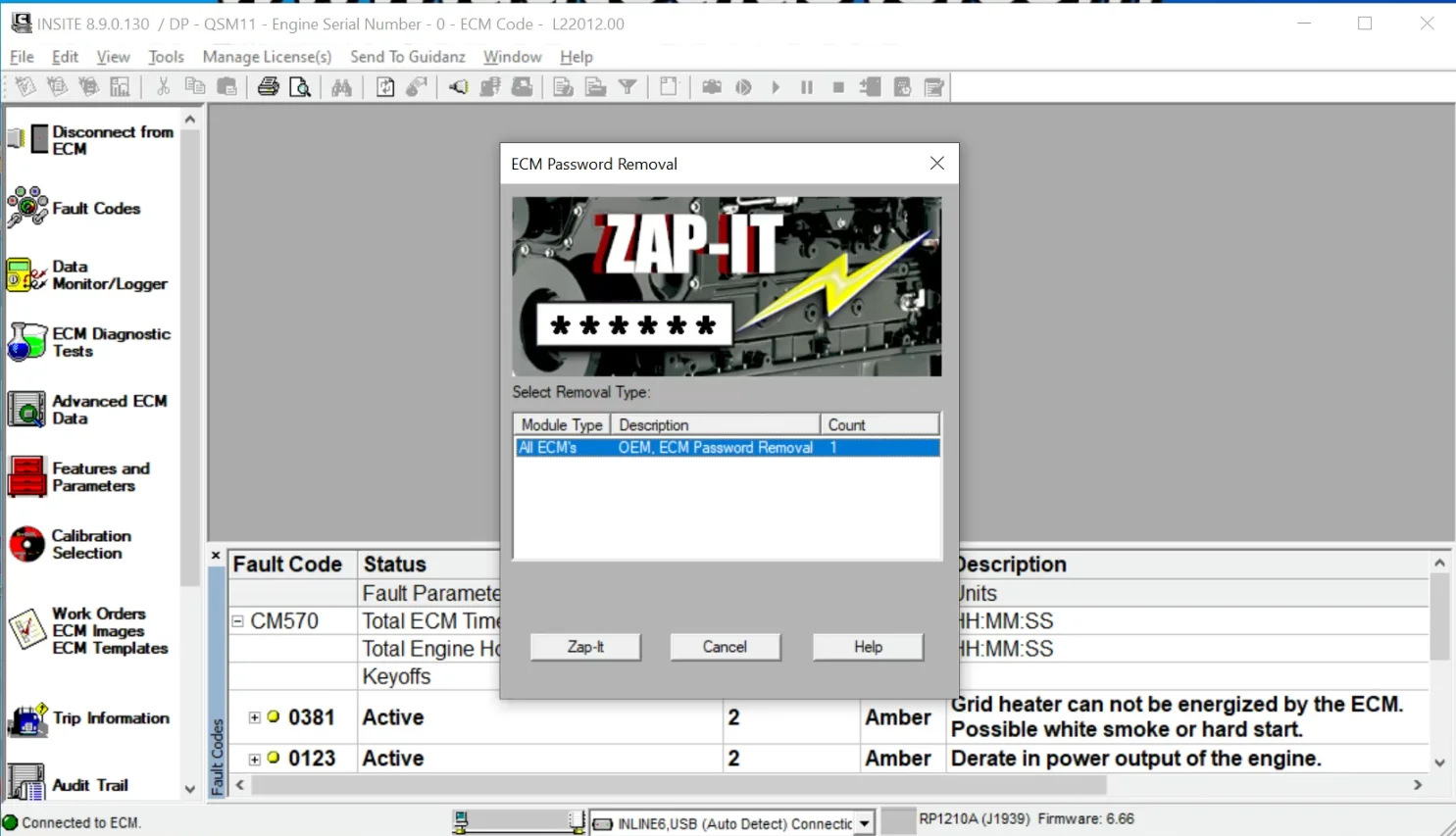
Cummins inline 6 have 3 different software version for choice. System requirement :
V7.6 software only can install on win7 system , please don't change the time of your laptop easily
V8.7 software should be install on win10 system
V9.0 pro software have to remote control to install by our engineer
Supported Languages:
English(united states) /Chinese(simplified) /Danish /Dutch /Finnish /French /German /Italian /Japanese /Korean /Norwegian /Portuguese /Russian /Spanish /Swedish /Turkish
INLINE 6 Features:
- Supports SAE J1708/J1587 and J1939/CAN data links
- Both CAN ports auto detect between 250 & 500 kbps
- Supports USB full speed port at up to 2M baud rate
- Custom USB cable includes thumbscrews for secure mounting to INLINE 6
- Supports RS-232 PC serial port at up to 115.2k baud rate
- Is fully compliant with TMC's RP1210 standard
- Small enough to fit in pocket
- Attractive black powder coated aluminum housing provides ruggedness
- Derives 8 V to 50 V DC power from vehicle
- Controlled by advanced 140 MHz 32-bit Freescale processor for maximum speed and performance
- Includes 6 LEDs to indicate status of power, USB, RS-232, J1708/J1587, and two CAN communication ports
- Both CAN ports support SAE J1939, SAE J2534, and ISO 15765 protocols
- INLINE 6 is certified to meet European CE requirements
- Rated for -40° to +85° C operating temperature
- INLINE 6 meets rigorous Cummins in-cab environmental test requirements
New inline 6 adapter is now the only genuine Cummins product on the market and is the only adapter available that Cummins certifies to be 100% compatible with all features of the latest Cummins ECMs and software applications. The INLINE 6 can communicate with your PC through a 9-pin serial connector. The INLINE 6 also can communicate with your PC over a Universal Serial Bus (USB) through a 4-pin standard connector. The INLINE 6 adapter connects to vehicle power, the SAE J1708/J1587 data link, and two CAN/J1939 data links via a 25-pin serial connector.
With full compliance to the Technology and Maintenance Council's RP1210 standard, the INLINE 6 will work with the latest Cummins INSITE, PowerSpec, and Calterm III software applications. It will also work with any other software applications that are fully compliant with the RP1210 standard (note that while some non-Cummins applications fully support RP1210, others do not, so you should test each application in question with the INLINE 6 adapter to make that determination).
Cummins has become the innovator and technology leader in data link adapters and service tools for diesel engines. The eye-catching INLINE 6 breaks new ground by utilizing the latest electronic technology to deliver high performance and high quality at an attractive price. If you ever use data link adapters to download new calibrations to ECMs, you really should be taking advantage of the high-speed communications capabilities inherent in the new Cummins INLINE 6 adapter. So why waste your time and money on more expensive, inferior products that are not fully-compatible with Cummins software? Check out the entire family of INLINE products by selecting from the Products menu above.
Each Cummins INLINE kit contains a data link adapter, basic cables, and the INLINE PC software driver. Load the software driver, connect all the hardware, and you are ready to start a new era in data link adapters.
INLINE 6 Quick Start Guide Introduction
The INLINE 6 is a highly reliable datalink adapter that can be used on a wide range of applications to communicate with vehicle systems via SAE J1708/J1587 and SAE J1939 protocols. Please note that the INLINE 6 is designed to be used with RP1210 compliant software.
Minimum System Requirements
Microprocessor – Intel Pentium 500 MHz
Memory – 2 GB CD Drive
Operating System –The 7.62 Software only can fit Win 7 Operating System,can not fit Win XP!!!
Please don't change the time of your laptop easily
To Install the INLINE 6 Software Driver
- Insert the INLINE 6 driver CD into your computer’s CD-ROM drive.
- Run INLINE6_Driver_Setup.exe
- If a Windows Explorer folder opens, select INLINE6_Driver_Setup.exe
Note that on some systems the autorun settings may be set to have the installation to just begin executing upon CD insertion.
IF YOU SEE: WINDOWS - A message appear stating “The software you are installing has not passed Windows Logo…” Click “Continue Anyway”. Click “Finish” wheninstallation is complete.
To Install the Cummins INLINE 6 USB Hardware:
To install the INLINE 6 USB hardware, power up the INLINE 6 by plugging in the USBcable provided with the kit to the INLINE 6 and the PC.
WINDOWS XP - The Found New Hardware wizard should be displayed.On the first screen, select “Install the software automatically (Recommended)”. Click “Next” to continue. A message may appear “This software has not passed Windows Logo Testing……” Select “Continue Anyway”. Click “Finish” when installation is complete.
WINDOWS VISTA/WINDOWS 7 - No action is required. The system tray
should display a balloon stating “Installing Cummins Inline 6”.
NOTE: If there is a previously installed INLINE 6 driver, you may need to remove the older driver before proceeding.
After you have connected your INLINE 6 to your computer and the computer recognizes it as a valid device – you may need to update the firmware in the adapter. Please see the section below on using the INLINE 6 Reflash Tool
Using Your INLINE 6
To use the INLINE 6, you must select it from within the application you areusing. Each application has a unique method for selecting datalink adapters.Please refer to the application’s documentation for instructions on selectingRP1210 compliant adapters.
To Uninstall the INLINE 6 Software Driver
WINDOWS- To remove the Cummins INLINE 6 driver, click the “Start”button on the Windows task bar, and then navigate to “Control Panel”. Navigate to “Add or Remove Programs” Click on the entry “Cu-mmins Inline6”. Click the “Remove” button. This will start the uninstall process. Wait until the uninstall process has completed before proceeding. WINDOWS VISTA/WINDOWS 7 – To remove the Cu-mmins INLINE 6 driver,
click the “Start” button on the Windows task bar, and then navigate to “Control
Panel”. Navigate to “Programs/Features” Click the entry “Cu-mmins Inline6’,
Click “Uninstall” at the top of the Programs/Features window. This will start the
uninstall process. Wait until the uninstall process has completed before proceeding.
Package Including:
1 x INLINE 6 data link adapter (P/N 2892093)
1 x USB 14-foot cable (P/N 2892176)
1 x DB25F/9-pin data link cable (P/N 4919780)
1 x DB25F/3-pin/3-pin/2-pin cable (P/N 4919797)
1 x J1939 Gender Changer adapter (P/N 3163597)
1 x J1939 Backbone adapter (P/N 3163096)
1 x ObdII cable (P/N 4919781)
1 x Komatsu 12 pin cable
1 x INLINE 6 software CD (P/N 2892095) Include Insite 7.6.2 + keygen



