NTG5S1 Carplay Auto OBD Activator Car Play NTG5 S1 Activation Tool For Mercedes/Benz NTG5.1 via OBD2 For iPhone/Android
Features:
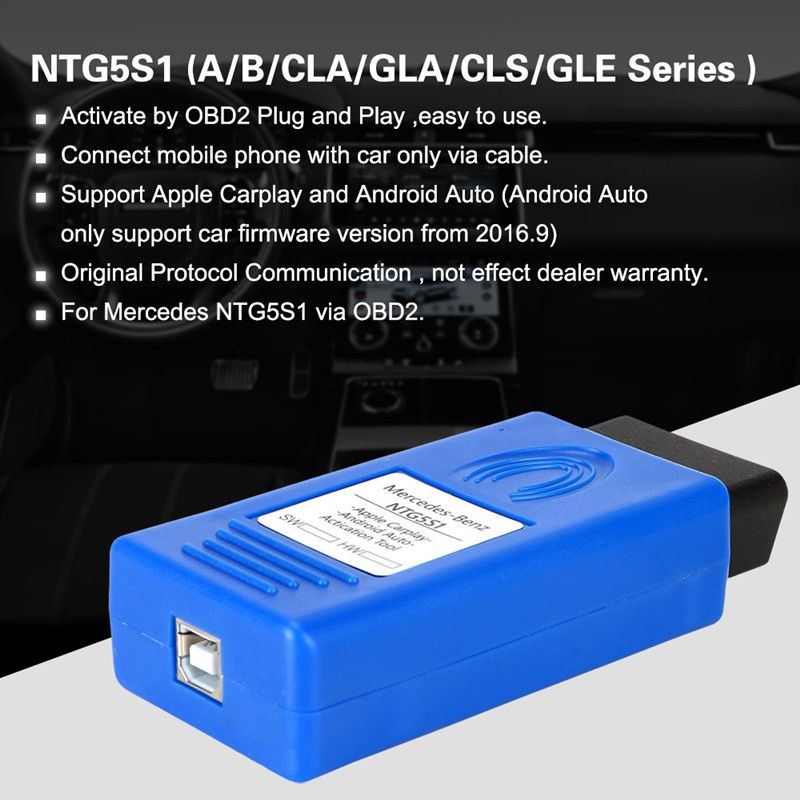
1. Activate by OBD2 Plug and Play, Easy to use.
2. Connect mobile phone with car only via cable.
3. Support Apple Carplay and Androidauto.(android auto only support car firmware version from 2016.9)
4. Original Protocol Communication , not effect dealer warranty.
5. for Mercedes NTG5.1 via OBD2
Plug & Play! Just need insert to obd port than active 1 minute to work!
Unlimited use!
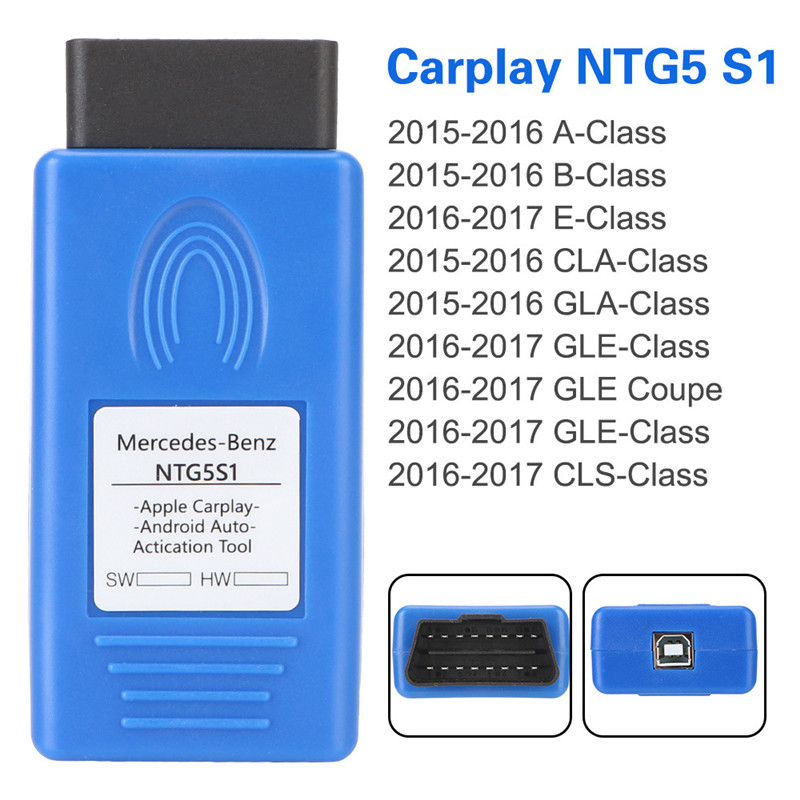
Compatible models(COMAND NTG5s1):
For A-Class W176 Date of manufacture 12.2015+
For B-Class W246 Date of manufacture 12.2015+
For E-Class W213 Date of manufacture 01.2016+
For CLA-Class W117 Date of manufacture 12.2015+
For GLA-Class W156 Date of manufacture 12.2015+
For GLE-Class W166 Date of manufacture 01.2016+
For GLE Coupe W292 Date of manufacture 01.2016+
For GLE-Class X166 Date of manufacture 01.2016+
For CLS-Class W218 Date of manufacture 01.2016+
For C/GLC/S Series NTG5.0 and NTG5E are not support! (Need to use video interface and iponoe box to achieve.)
(If your headunit is old version, the function will not normal work or can not be opened, you need update your hedunit to latest version online)
Please don't insert this OBD tool for unsupported models, or you need take all consequences. Thanks.
Important Notice:
1. Must ensure that the siri option of your iphone is keep opening status.
2. Must use original charging cable of your iphone .
3. Carplay is an app of Apple's IOS system, only iphone can use the Carplay app.(Ip5 or Ip5 above are support)
4. Android Auto is an app of the Android system, Android phone can use the Android Auto app.(But not all Android phone support Android Auto)
Operation Steps:
1.Turn on the car ignition switch
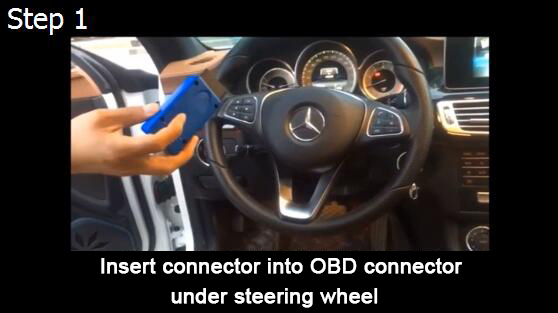
2.Put the OBD device connected to the car OBD interface
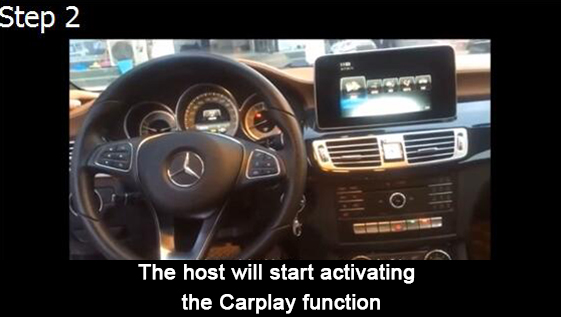
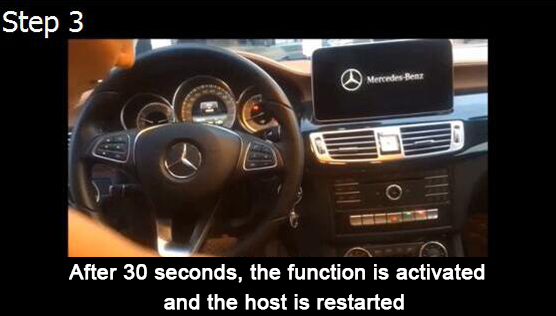
3.Car display "DIAG" words, 10 seconds after the host restart
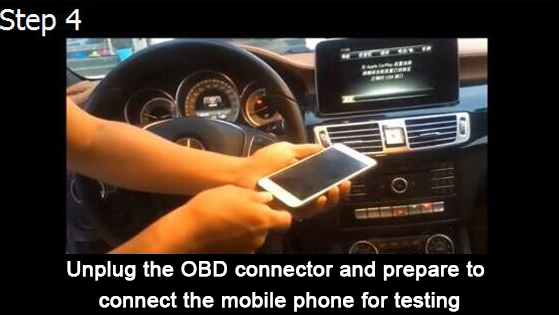
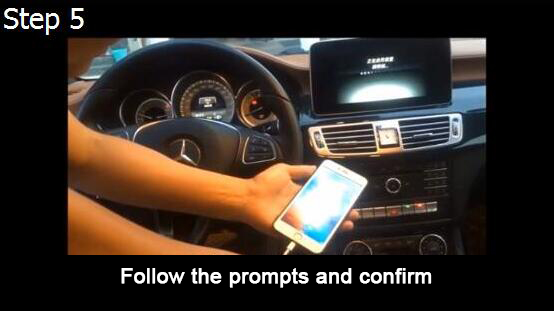
4.Remove the OBD device. And then connect the phone (preferably using the original charging cable)
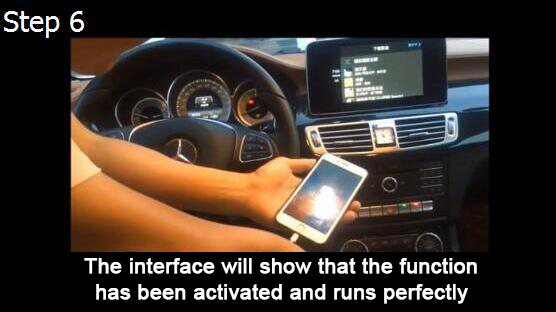
5.End debugging,all is ok
1. Open the key to gear 2 (method: press the start button without braking, the dashboard engine lamp is always on and the engine is not started)
2.Insert the opener on the OBD diagnostic socket (under the steering wheel near column A)
3. DIAG will appear on the screen, waiting for the host to restart.
4. 10 seconds later, wait for the host to restart and finish entering the menu
5. Unplug OBD device and plug in mobile phone
6.Make sure that the Siri option button on the iPhone remains open. You must use an original charging line or a charging line that supports Apple's MFI certification.
Package including:
1 x OBD2 Auto Activation Tool
FAQ:
Q: I have multiple cars, can it apply all of them?
A: Our solution will lock the VIN number that it first used. It won't work for other car once is activated.
Q: My car is not in the list - may be it will work?
A: Definately not. 100% sure
Q: My car MY2016 and in the list will it work?
A: Definately not. 100% sure
Q: My car does not have datacard code SA154 will it work?
A: No - your Audio20 HW is not compatible
Q: I am afraid of void manufacture warranty. Is there a way to change back the setting?
A: Yes, you can plug-in to OBD one more time. The first time is to enable the function. The second time is to disable the function. You can revert the change with the same module anytime.
Q: I would like to order just to try on my own risk. Can I return if does not work?
A: No - better send a vin number and we will let you know



